Light it key by key.
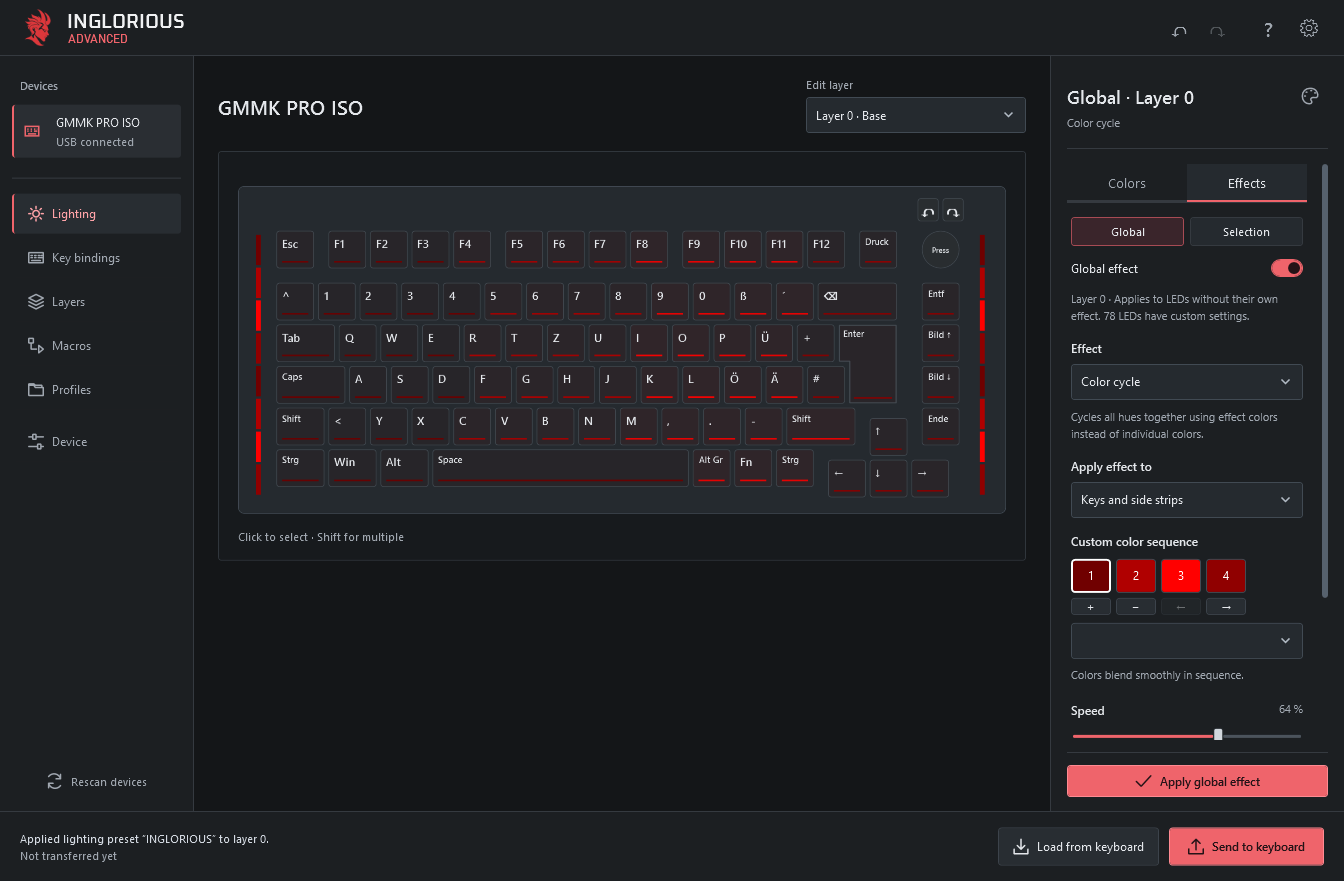
Color individual keys and side lighting. Preview 21 effects, build custom color sequences and save your favorite setups as templates.
Make it yours. Keep it onboard.
Set up per-key lighting, key bindings, macros and four layers on supported Glorious keyboards. Send your changes over USB and the keyboard runs them on its own.
Windows · macOS & Linux Early Alpha
01 / THE EDITOR
Color individual keys and side lighting. Preview 21 effects, build custom color sequences and save your favorite setups as templates.
Remap keys and encoders across four layers. Build a shared macro library and transfer key bindings separately from your lighting.
Transfer your configuration to the keyboard. The custom QMK-based firmware runs your lighting, bindings and macros on the device.
02 / HARDWARE
Model, layout and revision matter. Check the exact match before installing the custom firmware.
Full compatibility list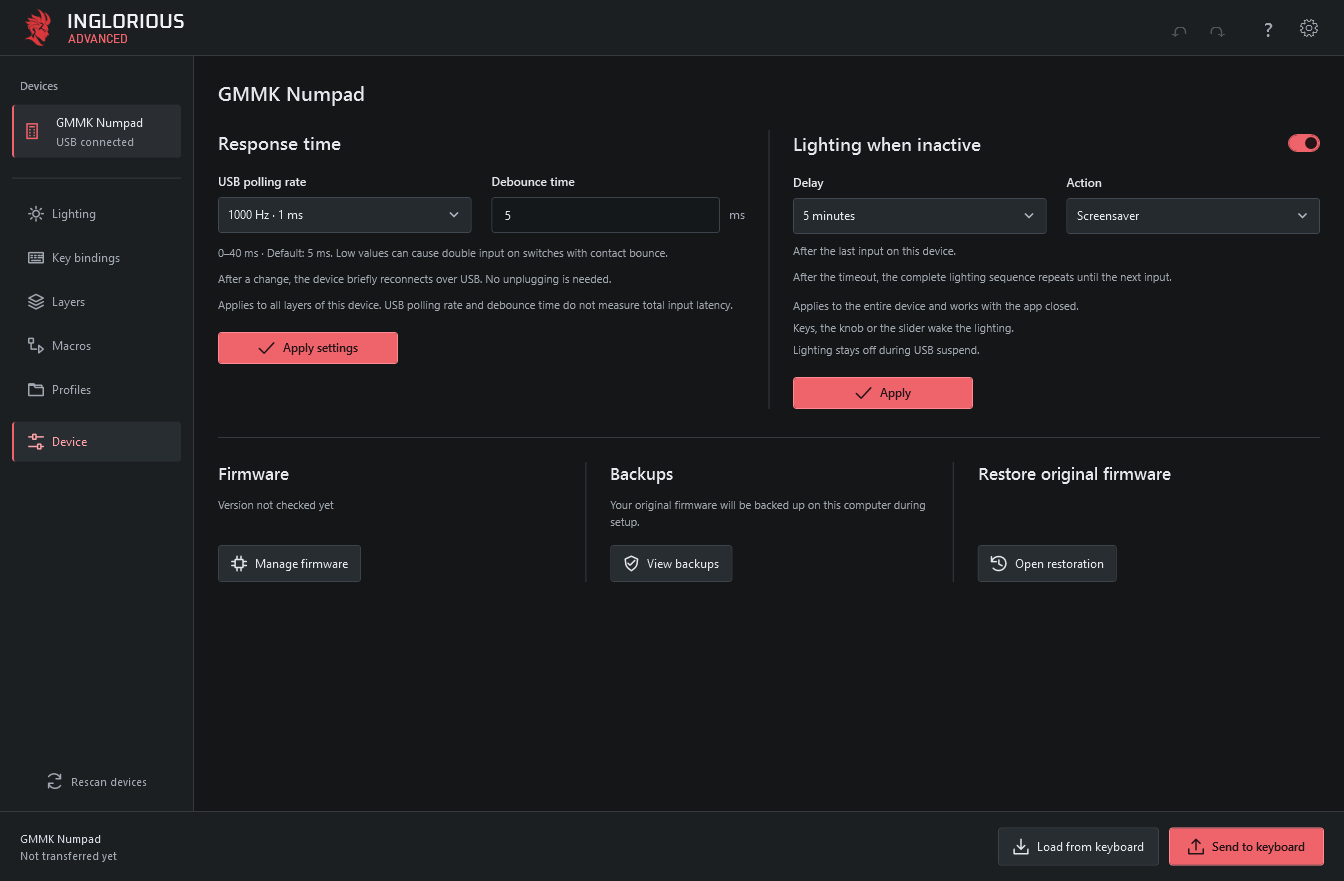
03 / FIRST RUN
04 / DOWNLOAD
The downloads include the app runtime and matching firmware. Firmware setup is a separate step inside the app.
Physical-device testing on macOS and Linux is still limited.